Ink care guide
Ink Cartridge Storage Tips
Ink cartridges can last a long time when they stay sealed and protected, but poor storage can lead to dried nozzles, leaks, poor print quality, or recognition problems. The goal is simple: keep cartridges sealed, stable, clean, and away from conditions that stress ink or packaging.
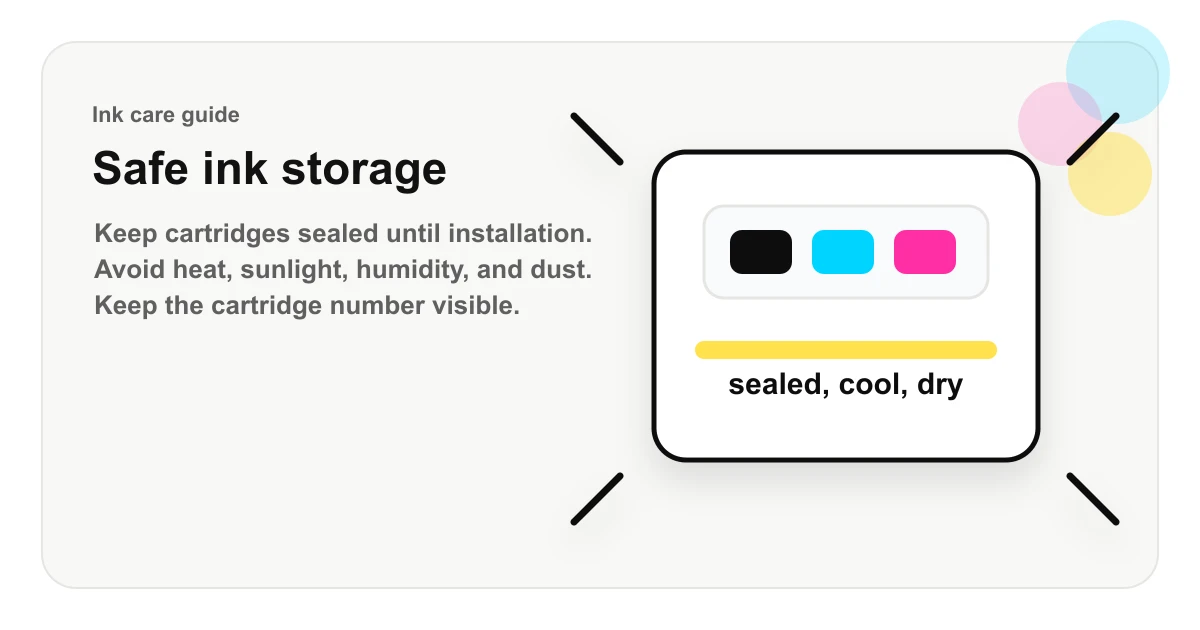
Indoor cabinet, closet, drawer, or shelf with stable room-temperature conditions.
Cars, sunny windows, heaters, damp basements, garages, attics, and open dusty bins.
Leave the cartridge number, color, and printer model easy to identify.
Best place to store ink cartridges
The best storage location is a cool, dry indoor cabinet, drawer, or shelf where the cartridge will not be crushed, overheated, frozen, or exposed to direct sun. Keep cartridges away from windows, radiators, space heaters, cars, garages, attics, damp basements, and areas with heavy dust.
Store cartridges in their original packaging when possible. Original packaging protects labels, vents, chips, seals, and clips. It also keeps the cartridge number visible so you do not lose track of which printer the cartridge fits.
Keep cartridges sealed until you are ready
Do not remove tape, clips, caps, or seals until you are ready to install the cartridge. These parts protect ink flow, venting, and electrical contacts. Removing them early can expose the cartridge to air and dust.
If a cartridge has a pull tab, orange clip, vent seal, or protective cap, treat it as part of the storage system. Once removed, install the cartridge promptly unless the seller’s instructions say otherwise.
Avoid heat and freezing temperatures
Heat can stress cartridge packaging and ink. A cartridge left in a hot car, near a sunny window, or beside a heater may be more likely to leak, dry, or print poorly. Freezing temperatures can also damage ink consistency or cartridge components.
For extra cartridges, indoor room-temperature storage is the safest practical rule. If a cartridge arrives very hot or cold from shipping, let it return to room temperature while still sealed before installation.
| Condition | Why it matters | Better habit |
|---|---|---|
| Heat | Can stress ink, seals, plastic, and packaging. | Store indoors away from windows, cars, and heaters. |
| Air exposure | Opened cartridges can dry faster once seals or caps are removed. | Keep protective tape, clips, caps, and packaging in place until installation. |
| Dust | Dust can collect around vents, contacts, nozzles, and labels. | Use original packaging or a clean labeled bag/container. |
Control humidity and dust
Very damp storage can damage packaging and labels. Dust can collect around vents, contacts, and printhead areas. Keep cartridges in a clean place and avoid storing loose cartridges in open bins with paper dust, pet hair, craft supplies, or office debris.
If the original packaging is gone, use a clean bag or container and label it with the cartridge number, color, printer model, and purchase date.
Opened ink cartridges
Opened cartridges are more vulnerable than sealed cartridges. If a cartridge was opened but not installed, keep any protective clip or cap in place. Do not touch the copper contacts, chip, nozzle plate, or ink outlet. Oils from fingers can interfere with recognition or print quality.
If an installed cartridge needs to be removed temporarily, follow the printer or seller instructions. Some inkjet printers are designed to keep cartridges installed so the printhead stays parked and protected. Removing cartridges unnecessarily can expose the printhead path to air.
Before installation
Before installing stored ink, inspect the package and cartridge. Look for leaks, cracked plastic, damaged contacts, missing clips, swollen packaging, or dried ink around the outlet. Confirm the cartridge number, color, and printer model one more time.
After installation, run the printer’s normal alignment or cleaning process only if needed. Repeated cleaning cycles can consume ink, so start with the printer’s standard instructions rather than running many cleanings in a row.
Signs storage may have caused a problem
- Ink on the outside of the cartridge or inside the package.
- Missing or loose protective clips before installation.
- Printer recognition errors immediately after installation.
- Streaky output that does not improve after normal printer maintenance.
- Cartridge labels that no longer match the printer model or color slot.
Ink storage checklist
Keep cartridges sealed, store them indoors, avoid heat and sunlight, protect them from dust and humidity, keep the cartridge number visible, and install them only when you are ready. If you buy multi-packs, store unused colors carefully so the value of the pack is not lost before the next replacement.
FAQ
Should ink cartridges be stored upright?
Store cartridges in the orientation recommended by the package when possible. If no direction is shown, keep them sealed, stable, and protected from heat, light, and dust.
Can ink cartridges dry out before use?
Sealed cartridges are designed to resist drying, but opened cartridges can dry faster if protective clips, seals, or caps are removed before installation.
Where should I store extra ink cartridges?
Store extra cartridges in a cool, dry indoor location away from direct sunlight, heaters, windows, cars, garages, and high-humidity areas.